
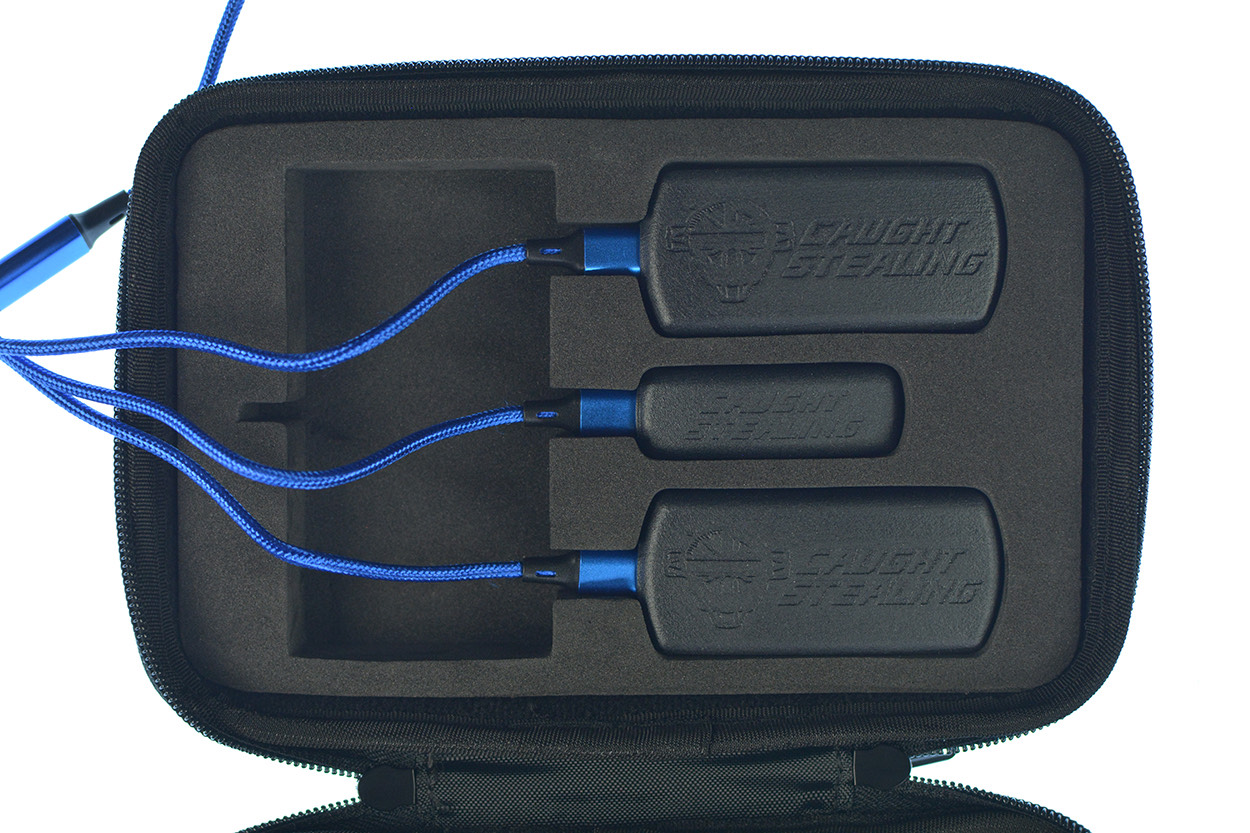
Charge Devices
Start by opening your package and charging all the devices provided. In addition to the devices you receive, charge your phone as well.
Getting Started
It's easy to get started with the simple steps below.
Start by opening your package and charging all the devices provided. In addition to the devices you receive, charge your phone as well.
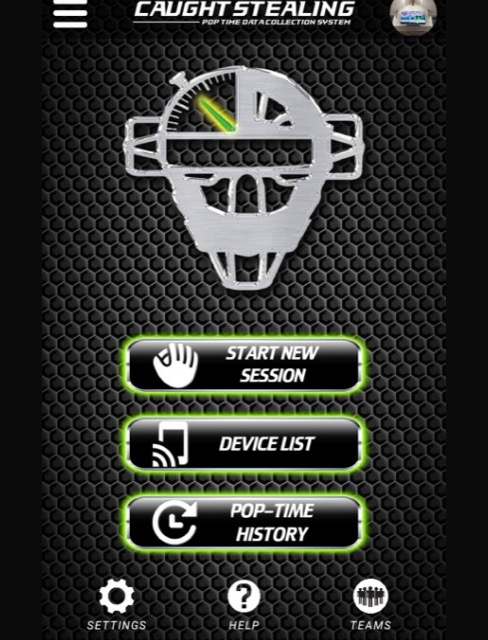
Scan the QR code in the box, or go straight to the App Store. Register, then pair your devices from the Device List.
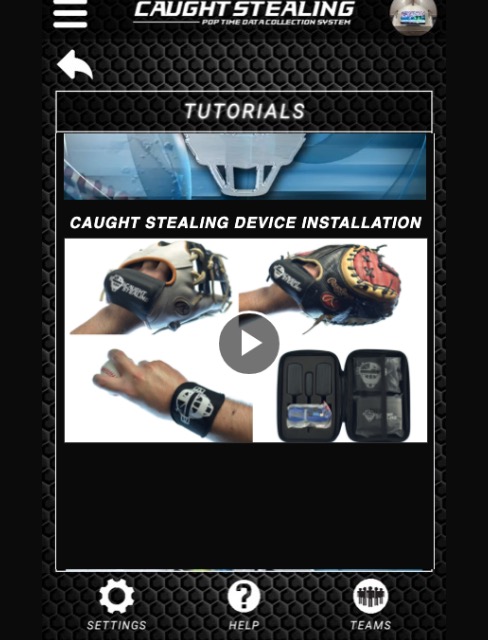
Open Tutorials in the app and watch the Caught Stealing Device Installation video: catcher's glove, fielder's glove, and catcher's wrist, each in its marked neoprene sleeve, inserted the correct way.
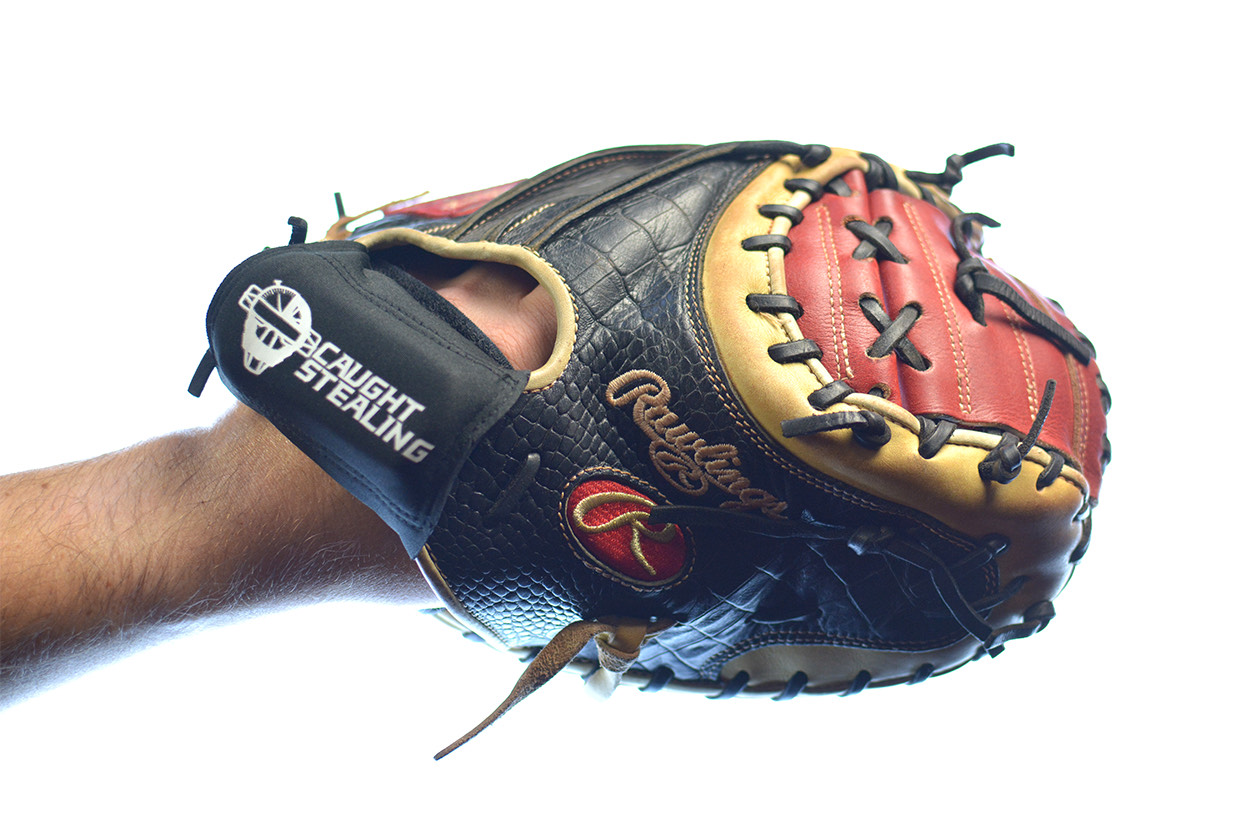
Start throwing to your second-base position — an infielder, a parent, or a friend. Real-Time Distance Technology can help with positioning and distance if you don’t have a field to practice on.
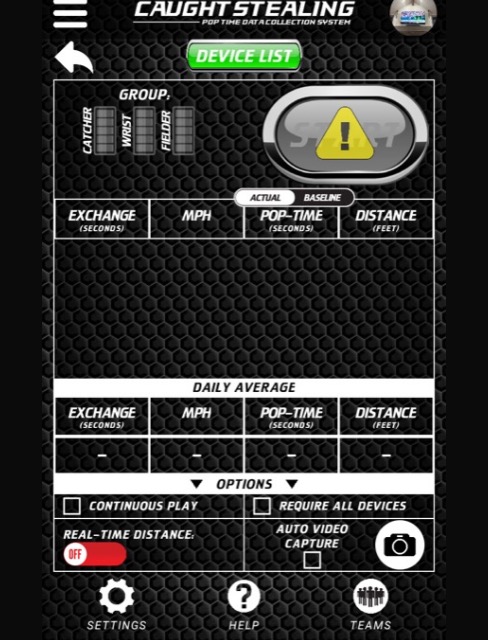
Tap Start New Session. Make sure someone is throwing you the ball to activate the sequence of data collection.
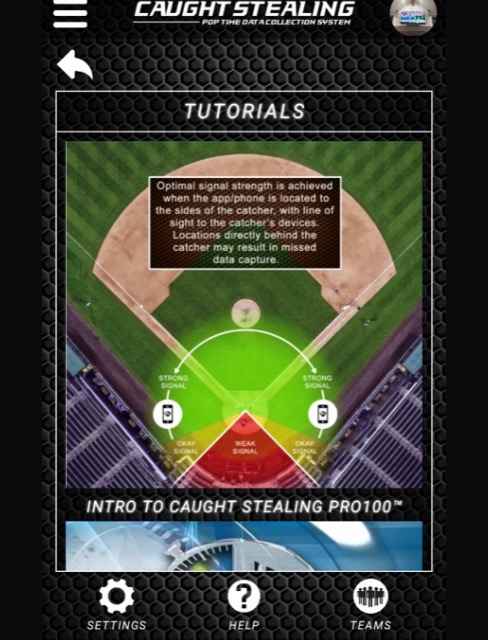
Refer to the proximity chart at the top of Tutorials to confirm your devices are within range and reading correctly.