
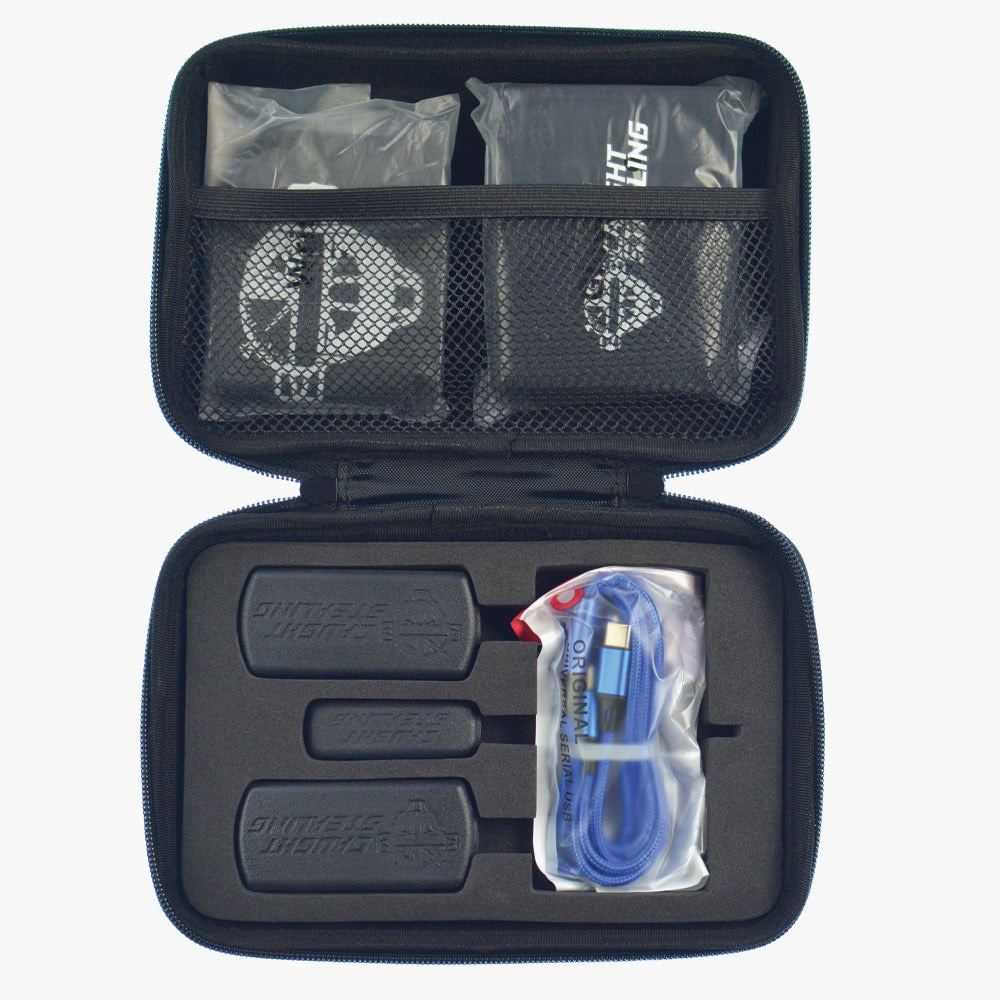
Charge Devices
Start by opening your package and charging all the devices provided. In addition to the devices you receive, charge your phone as well.
Getting Started
It's easy to get started with the simple steps below. Your organization sets up its teams and coaches from its account page. Coaches just need the app.
Start by opening your package and charging all the devices provided. In addition to the devices you receive, charge your phone as well.
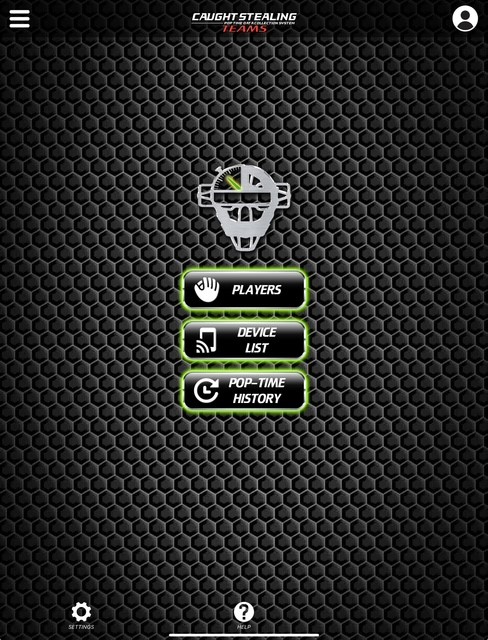
Scan the QR code in the box, or download Caught Stealing Teams from the App Store. Sign in with the email your organization invited, or enter the code from your invite email.
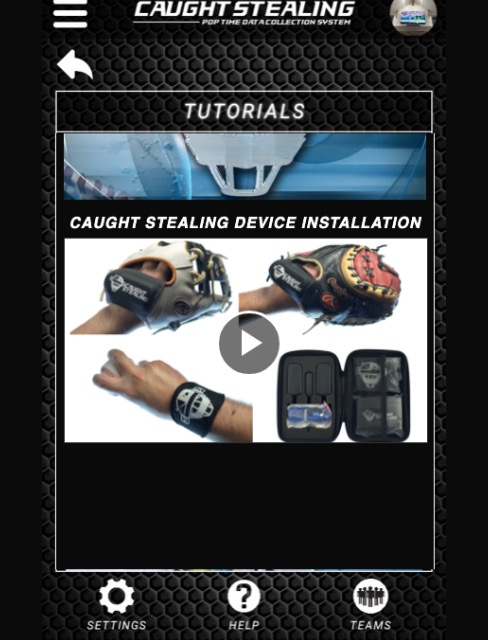
Open Tutorials in the app and watch the getting-started video: catcher's glove, fielder's glove, and catcher's wrist, each in its marked neoprene sleeve, inserted the correct way.
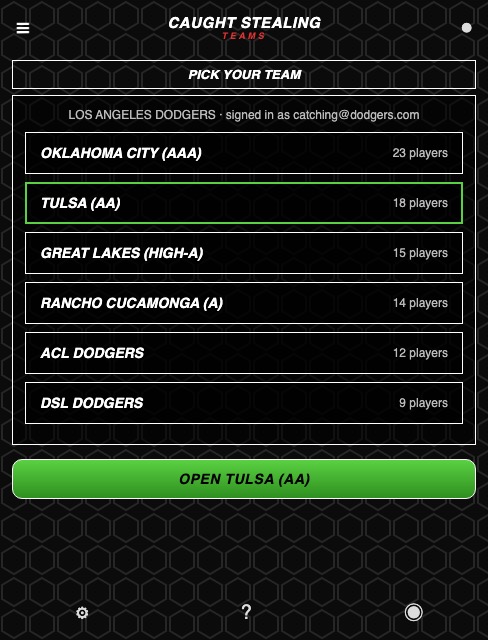
Your team opens when you sign in. On more than one team? Pick the one you're working with, and switch any time from the menu.
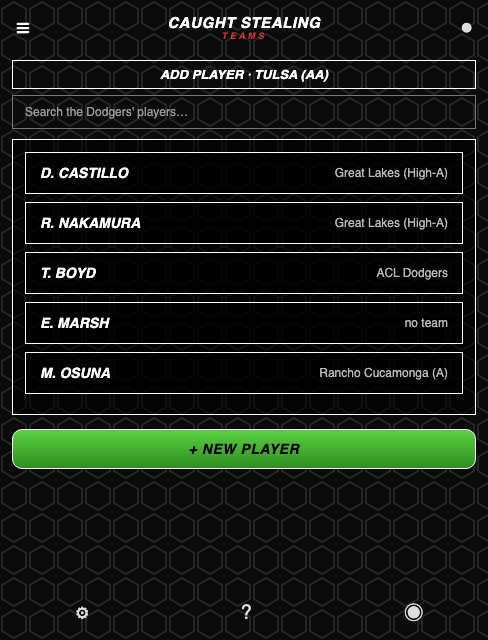
Tap Add player and pick from your organization's list, or type a new name. A player who moves up a level keeps their whole history. No player app or subscription needed.
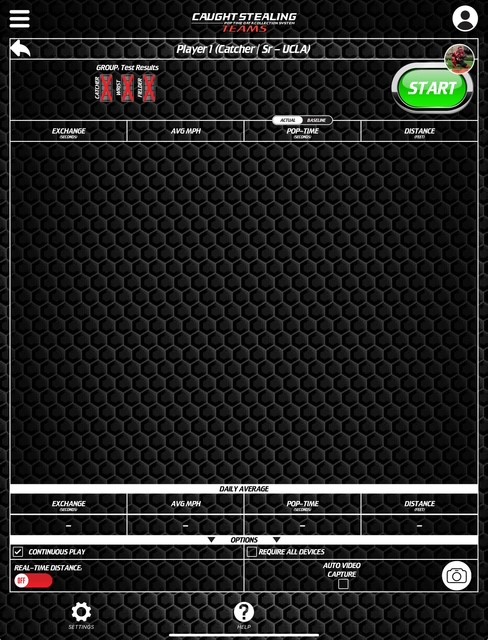
Pair the devices, pick a catcher, and have someone throw you the ball to activate the sequence. Every session saves to the team, and session summary emails go to whoever has them on.